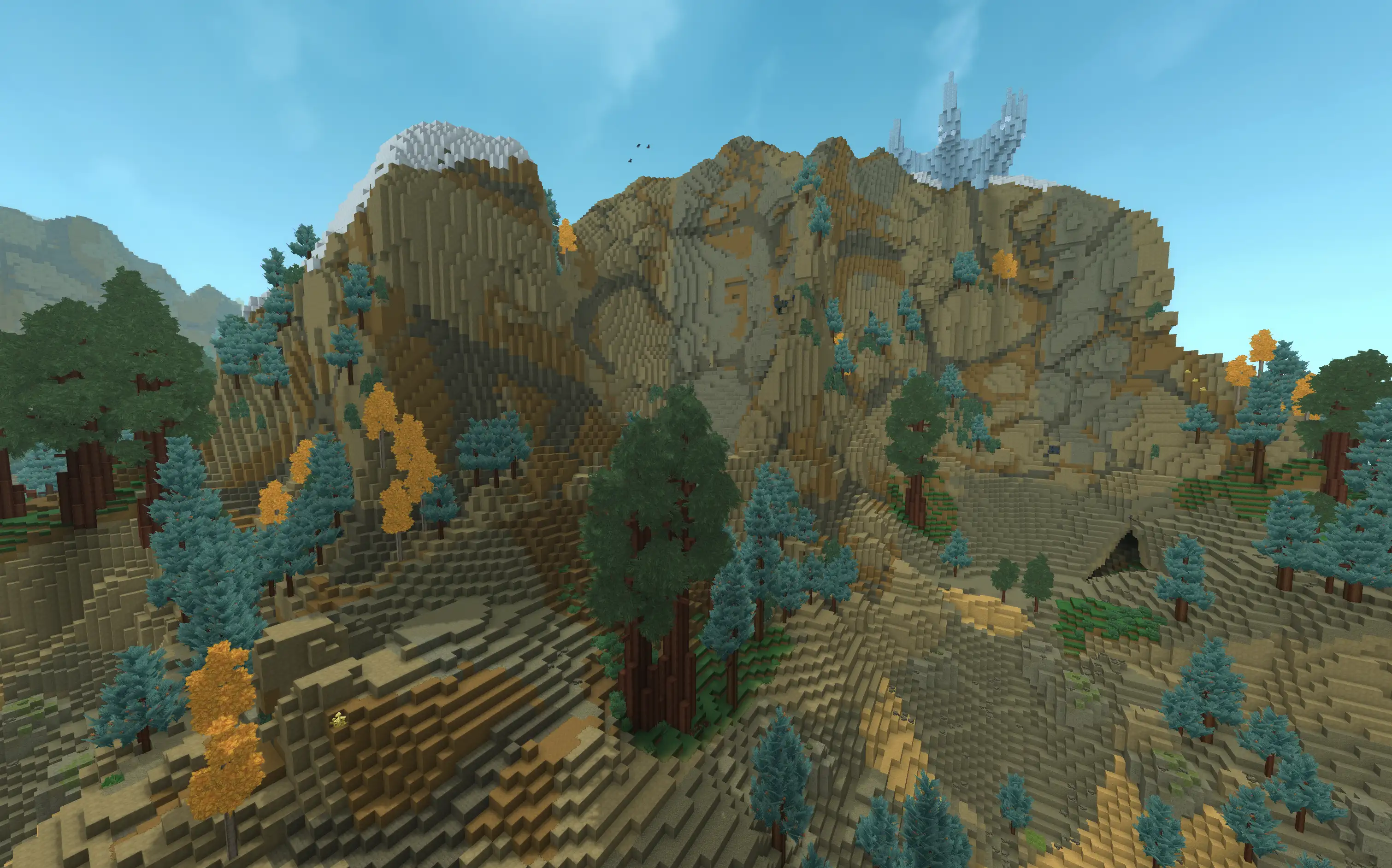
Hytale
The long awaited title, Hytale, has finally released!
Informal Lounge is excited to be one of the first to host a Hytale server for our community to enjoy together.
Join the server at
Copied! hytale.informallounge.com
Stay tuned for more information on the Informal Lounge Hytale server! We will fill this page out overtime with server details, mod information, and more.
Mod Guide
Please note as Hytale continues development and more mods are released and updated this list may change.
If you're having any issues in-game make sure to check back here to see if anything changed!
BetterMap
BetterMap gives Hytale a persistent exploration map. Areas you visit are permanently recorded and fog of war never resets between sessions. It also includes cave mode, which switches to underground chunk rendering when you go below the surface so the map stays useful while mining.
The waypoint system lets you create, name, recolor, and share markers on the map. Other players show up as cursors on your compass so you can keep track of where everyone is. Use /bm for settings and /wp to manage waypoints.
Click here to view the BetterMap CurseForge page
EyeSpy
EyeSpy is a HUD overlay that shows useful information about whatever you're looking at, with no menus required. Glance at a block to see its name, look at a chest to preview its contents without opening it, and point at any creature or NPC to see its name and current health. It's entirely passive with no commands to learn.
Click here to view the EyeSpy CurseForge page
HyTeleportersX
HyTeleportersX is a teleporter system with an in-game UI for creating and managing teleporters. Set a name, destination, and visibility mode for each teleporter you place.
Visibility options include Public, Private, Party-Only, and Restricted. You can also assign sub-owners to grant other players permission to rename, reconfigure, or break your teleporters.
Click here to view the HyTeleportersX CurseForge page
JET (Just Enough Tales)
JET is an in-game item encyclopedia and recipe browser, inspired by the Minecraft mod JEI. Look up any item to see its crafting recipe, what other recipes it's used in, and which enemies drop it, all without leaving the game.
When browsing a recipe, JET checks your live inventory and color codes each ingredient: green if you have enough, red if you're short. You can also pin recipes to your HUD to keep them visible while you play. Use /jetconfig for settings and /pinned to manage pinned recipes.
Click here to view the JET CurseForge page
Simple Claims
Simple Claims is how we protect builds on our server. Players create a party and claim the chunks they're building in, which prevents anyone outside that party from breaking blocks, placing blocks, or interacting with objects in the claimed area.
Use /sc claim while standing in a chunk to claim it. This will also create a party for you automatically if you don't have one. From there, use /scp to manage your party and invite other players. Parties can also designate allies to share permissions across groups. Visual chunk border particles and the in-game map both show where claims are.
Click here to view the Simple Claims CurseForge page
SimplyTrash
SimplyTrash adds a craftable Trash Can block that permanently destroys any items you put inside it. Craft it at a Workbench under the Tinkering section using 20 Iron Ingots, place it, and press F to open it. Items are only deleted once you close the GUI, so you have a moment to pull anything out if you change your mind.
Click here to view the SimplyTrash CurseForge page